To-Do List Web App
A simple task management app built using HTML, CSS & JavaScript
Project Overview
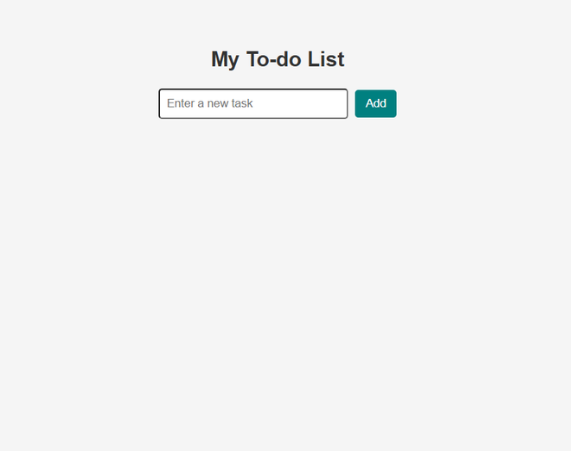
This To-Do List application allows users to add, delete, and manage daily tasks in a simple and interactive way. The goal of the project was to help the student understand how real web applications handle user input, update content dynamically, and store temporary data in the browser.
Project Info
Student: Ebube
Level: Beginner → Intermediate
Duration: 1–2 Weeks
Technologies:
HTML CSS JavaScriptKey Features
- Add new tasks easily
- Delete completed tasks
- Interactive user interface
- Real-time updates without page reload
- Clean and responsive design
Technologies Used & Why
HTML: Used to structure the app (input field, buttons, task list).
CSS: Used to style the interface and make the app clean, simple, and user-friendly.
JavaScript: Used to handle all the logic such as adding tasks, removing tasks, and updating the UI dynamically without refreshing the page.
Student Journey
The student started with basic HTML and struggled at first with connecting user actions (like clicking a button) to actual results on the screen. Learning JavaScript event handling was a turning point.
After understanding how functions and DOM manipulation work, the student was able to make the app interactive. This project marked a big step forward from static pages to dynamic applications.
Challenges & Solutions
One major challenge was making the task list update instantly after adding or deleting an item. The student solved this by learning how to manipulate the DOM using JavaScript.
Another challenge was keeping the UI clean and organized, which improved through better CSS styling and layout structure.
Final Outcome
The final result is a fully functional To-Do List app that demonstrates the student’s ability to build interactive web applications. This project shows strong understanding of core web development concepts and lays the foundation for more advanced projects.